
As the original inventors of tokenless authentication, SecurEnvoy’s goal is to continue to design innovative solutions that take advantage of the user’s mobile phones or other personal device as the “something you own” part of two factor authentication. And in the process, resolve issues that have prevented their adoption such as SMS delays, security concerns, lack of phone signal or synchronisation problems.
 SecurEnvoy
SecurEnvoy – Authenticate. Your Way.
SecurEnvoy’s innovative approach to the Tokenless® market now sees thousands of users benefitting from their solutions worldwide.
Customers benefit from speedy deployment, featuring a a zero footprint approach. Administrators can deploy up to 100,000 users per hour.
SecurEnvoy’s design philosophy is based on re-using existing technology investments such as Microsoft AD, simplifying the end user authentication experience while enhancing the overall security posture.
Without token manufacturing costs, the ROI becomes much more acceptable to organisations, and the environmentally benefits of a zero carbon footprint also attract responsible purchasers.
Who is SecurEnvoy? Watch the 65 Second Video …
- SECURACCESS
- INTEGRATIONS
- USER STORES
- Security
- Authentication Options
Phone-based, Tokenless® Two Factor Authentication
Mobile phone based tokenless® Two Factor Authentication (aka 2FA, MFA) for VPN, SSL, Remote Desktop, WiFi, web portals, consumer authentication, laptop encryption and more. The modern alternative to physical tokens.
Passwords alone aren’t strong enough to protect access to your business critical data and applications. SecurAccess from SecurEnvoy delivers a seamless, cost effective solution for Two-Factor authentication.
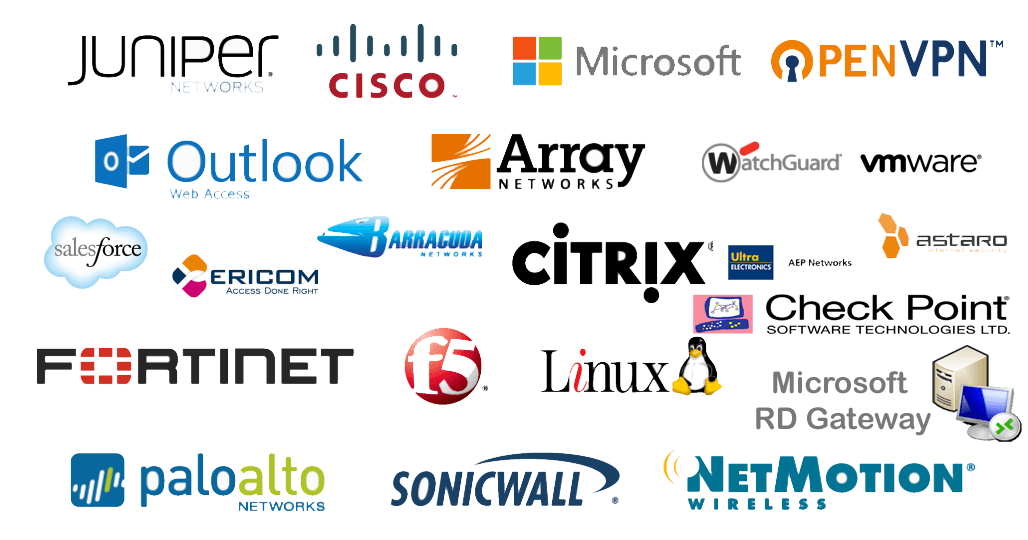
Simple to Follow Integration Guides
Whether for VPNs, cloud apps, on-premise apps and more – these guides allow you to quickly and easily integrate SecurAccess to existing security solutions.
You can find a current list of the integration guides via the SecurEnvoy website.
Leveraging Existing User Stores
SecurAccess utilises the power and scalability of Active Directory (AD) or other LDAP based servers as the core user database.
All replication is already performed by existing infrastructure. Deployment is as simple as adding a user to an existing AD group. No Schema change is required as SecurAccess uses existing attributes such as Telex Numbers. And unlimited multiple domains can be configured.
You’re Safe with Split Keys
SecurAccess SMS codes are Fips140-2 random numbers with no keys or seeds required and SecurEnvoy apps use split keys where the second part is the device’s unique characteristics. Only part of a key is ever stored on the device – and malware cannot copy a key that isn’t present and cannot call external API’s as none are available.
No customer sensitive data or keys are stored by SecurEnvoy – ever.
Putting the User in Control
SecurEnvoy’s philosophy is that users should be able to choose any personal device to be their authentication token – whether it’s their mobile phone, tablet, laptop or even their desk phone.
And users should be able to seamlessly move their single identity between these devices without leaving “an identity” behind on obsolete technology.
Authentication options include SMS, soft token app and One Swipe Offline. For more information around the options, take a quick look at the video or jump onto the SecurEnvoy website.